Use your existing account. Start with step 3 below; you do not need a publisher account with IngramSpark.
Apply for an Ingram business account
Open Ingram’s retailer ordering page and choose Get Started. Submit your business information, then complete the onboarding instructions Ingram sends. Have billing and shipping details and any applicable tax or resale documents available. Ingram determines eligibility and required documentation.
Libraries and institutional buyers: start with Ingram Library Services or your established book supplier. Schools and gift shops should ask Ingram which account type fits their organization.
Wait for account approval and sign-in instructions
Finish any account setup Ingram requests. Once approved, use the account number and credentials Ingram supplies. For account application questions, email newaccounts@ingramcontent.com. DDT Books cannot approve accounts or set Ingram credit terms.
Sign in to iPage
Visit ipage.ingramcontent.com. Sign in with your business credentials. If your store orders through an integrated point-of-sale system or EDI, follow your existing Ingram ordering workflow instead.
Search using the ISBN
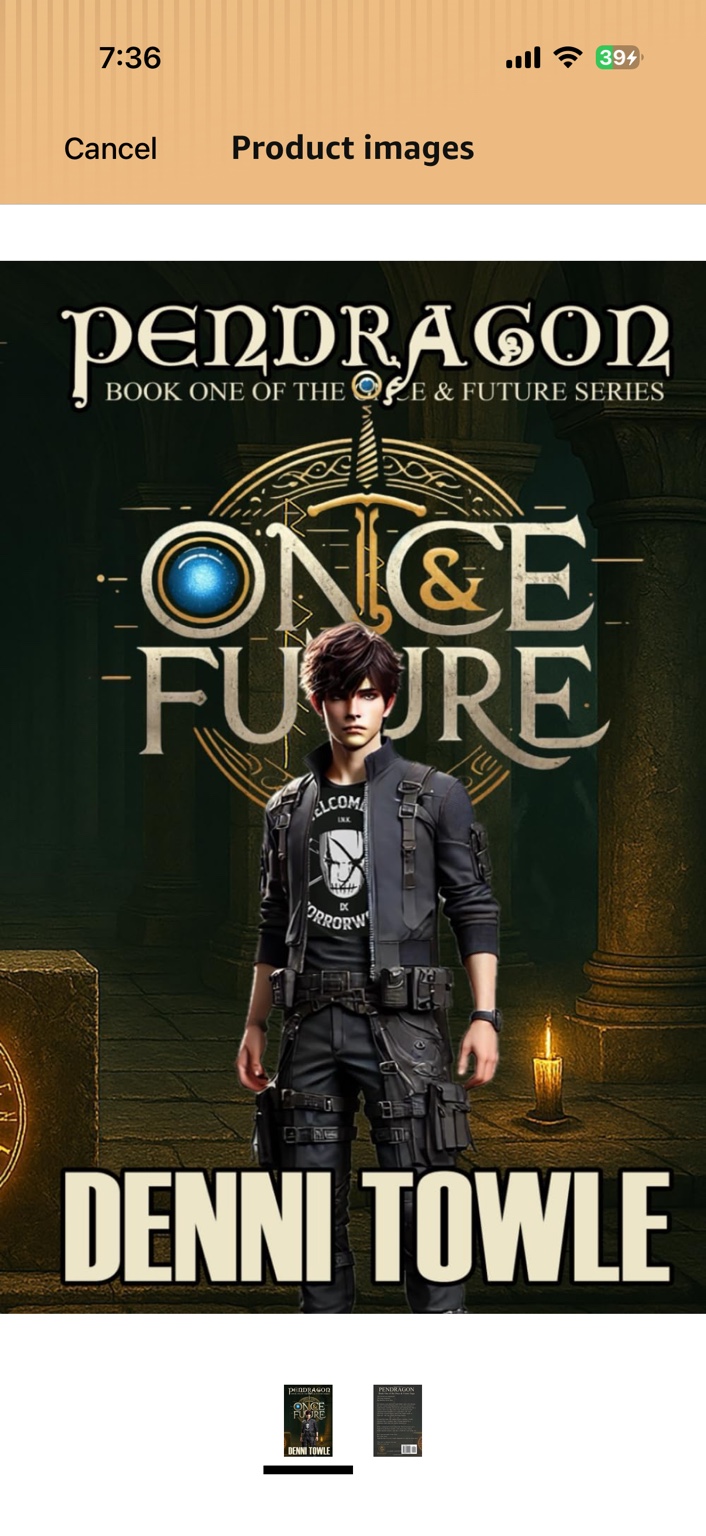
Copy the ISBN from the catalog above and paste the 13 digits into the title search. Use 9798982175502 for the Tales hardcover or 9798982175519 for the Pendragon paperback. Searching by title or author is also possible, but the ISBN identifies the edition.
Check the title and terms
Confirm author, publisher, format, ISBN, availability, your account price, return status, and estimated fulfillment. The 55% figure above is the publisher’s wholesale setting; it is not a promise that every store receives 55% off. Your actual buying terms are shown by Ingram.
Choose quantity and review the order
Enter the number of copies in your usual Ingram order workflow. A carton quantity is not necessarily a minimum; Ingram’s iPage guidance permits single-copy ordering. Review your account’s freight thresholds and all charges. Confirm destination, shipping service, and any purchase-order reference your organization requires.
Submit through Ingram
Review the final total and payment or account billing terms before submitting. Keep the order confirmation and reference number. This website does not take your wholesale payment, reserve copies, or transmit an order to Ingram.
Track, receive, and check the shipment
Use iPage to review order status, shipment tracking, and invoices. Print-on-demand fulfillment includes production and transit time; use Ingram’s estimate rather than assuming a guaranteed dispatch date. On receipt, check titles, quantities, and condition against the shipment paperwork.